How to Use the Cover Letter Maker
Crafting the Perfect Narrative: Using the Cover Letter Maker
While a resume provides a structured timeline of your career, a cover letter offers a blank canvas to tell your professional story. It is your opportunity to express passion, explain career transitions, and directly address why you are uniquely suited for a specific role. To ensure your narrative is presented beautifully and cohesively alongside your resume, we developed the advanced Cover Letter Maker.
This comprehensive guide will walk you through the process of utilizing our tool to create a highly effective, beautifully formatted cover letter without the usual design headaches.
The Importance of Visual Consistency
One of the most common mistakes job seekers make is sending a beautifully designed resume accompanied by a plain, unformatted Microsoft Word cover letter. This visual disconnect is jarring to recruiters. It suggests a lack of attention to detail and a disjointed personal brand.
Our Cover Letter Maker solves this by directly integrating with the theme system used by our Resume Maker. When your application materials look like they belong to a cohesive, professionally designed package, you immediately stand out from the stack of generic applications.
Step 1: Establishing the Visual Foundation
Begin by launching the Cover Letter Maker. Your first task is to click the "Change Theme" button in the sidebar. You will be presented with our library of professional themes. For maximum impact, absolutely ensure you select the exact same theme you utilized for your resume.
This single click ensures that your fonts, accent colors, header structures, and margins will perfectly mirror your resume, creating a seamless reading experience for the hiring manager.
Step 2: Inputting Contact Information
The editor interface is divided into logical, easy-to-navigate sections. Start with "Your Contact Info." Fill out your full name, professional title, email address, phone number, and location. Because you selected a matching theme, the system will automatically format this data into a striking header that mirrors your resume's aesthetic.
Next, move to the "Recipient Details" section. Personalization is paramount in a modern cover letter. Research the company and find the name of the hiring manager or department head. Input their name, the company name, and the specific role you are applying for. The tool will automatically format this into the standard formal business letter structure on the PDF.
Step 3: Drafting the Letter Content
This is where your narrative takes center stage. The "Letter Content" section requires the current date, a strong subject line (e.g., "Application for Senior Product Designer - [Your Name]"), and the main body text.
The body text area is designed to be expansive. As you draft your letter, keep the following structure in mind:
- The Opening: Do not waste space with "I am writing to apply for..." Start with a strong hook. State your excitement for the company's specific mission or recent projects.
- The Pitch: Use the next one or two paragraphs to highlight your most relevant achievements. Draw direct connections between your past successes and the challenges outlined in the job description. Provide quantifiable evidence of your impact.
- The Cultural Alignment: Briefly explain why you want to work for this specific company. Show that you have done your research and understand their market position and corporate values.
- The Conclusion: End with a clear call to action, expressing your desire for an interview to further discuss how you can add value to their team.
Step 4: Leveraging the Live Preview
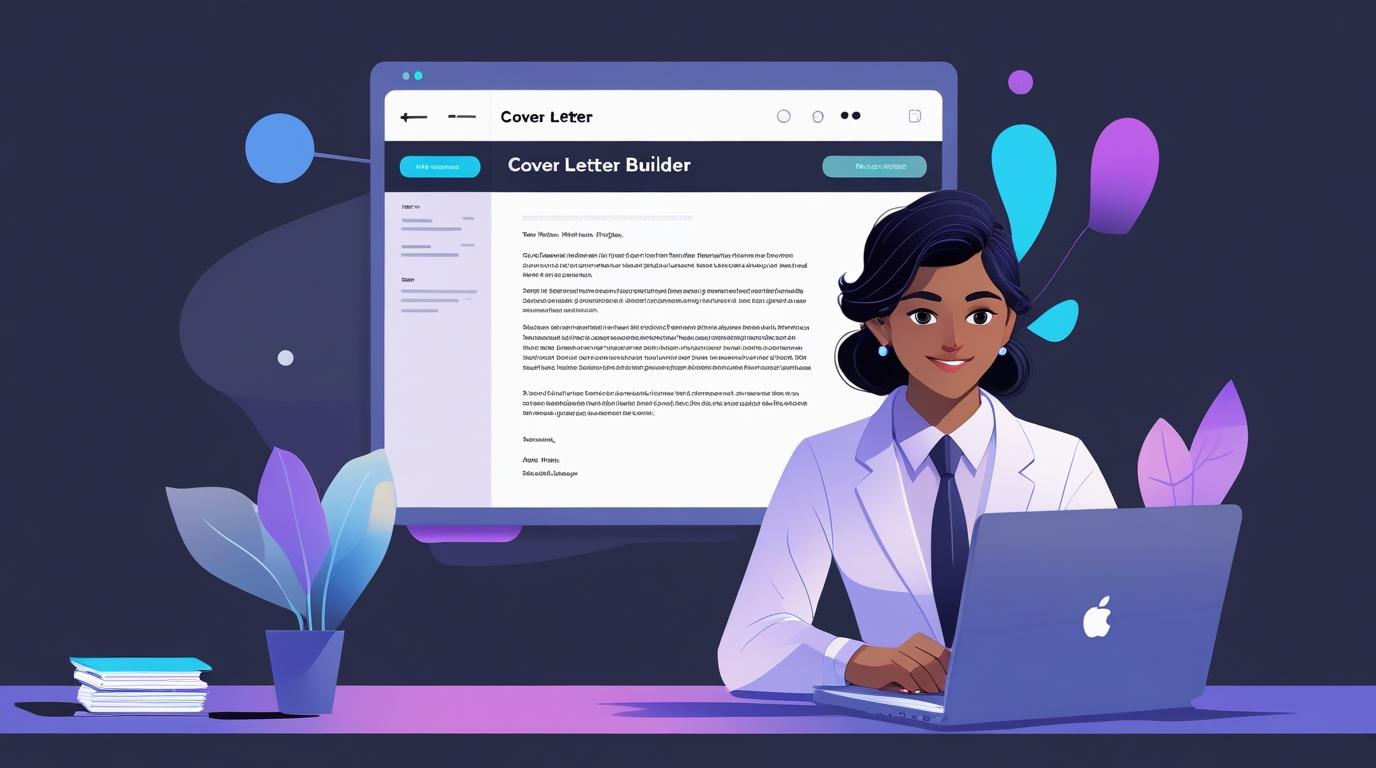
One of the most powerful features of our Cover Letter Maker is the real-time PDF preview. As you type in the body field, glance over to the right side of your screen. You will see exactly how your text flows onto the page.
This real-time feedback loop is invaluable for pacing and formatting. You can instantly see if a paragraph is becoming a dense, intimidating wall of text. If it is, you can break it up with spacing or bullet points in the editor, and immediately see the layout improve. The live preview ensures that your letter never spills awkwardly onto a second page, allowing you to edit for brevity and impact.
Step 5: Final Review and Export
Once your content is perfected and you are satisfied with the visual balance shown in the preview, input your preferred "Sign-off" (e.g., "Sincerely," or "Best regards,"). Take one final pass to check for any spelling or grammatical errors.
When you are ready, click the "Download PDF" button. The system will instantly generate a high-resolution, watermark-free PDF. Because our tool runs in your browser, the generation is lightning-fast and entirely private. You now possess a premium, cohesive cover letter ready to accompany your resume and impress any hiring manager.