How to Use Our Free Resume Maker
The Ultimate Guide to Using Our Free Resume Maker
Building a professional resume shouldn't be a daunting task. You shouldn't have to navigate complex software, worry about formatting inconsistencies, or hit an unexpected paywall right as you're about to download your finished document. We designed our Free Resume Maker to solve these exact problems. In this comprehensive, step-by-step guide, we will walk you through everything you need to know to maximize the potential of our tool and create a resume that gets you hired.
The Philosophy Behind Our Builder
Before we dive into the steps, it is important to understand the core philosophy behind our platform. We built this tool on three foundational pillars:
- Zero Friction: We do not require you to create an account, verify an email, or remember a password. The tool is available instantly.
- Absolute Privacy: Your career data is highly sensitive. We use local browser storage, meaning your data never touches our servers. You remain in complete control.
- Professional Outputs: We do not slap watermarks on your hard work. The final PDF is clean, ATS-optimized, and ready for the eyes of a hiring manager.
Step 1: Selecting the Perfect Theme
Your journey begins at the theme selection screen. The visual presentation of your resume sets the first impression, so it is crucial to choose a design that aligns with your industry and personal brand.
We offer a carefully curated selection of themes, ranging from the ultra-modern 'Creative Elegant' perfect for designers and marketers to the highly structured 'Classic Executive' ideal for finance, law, and corporate roles. Take your time to browse the options. The beauty of our system is that your choice is not permanent; you can easily switch themes later without losing any of the content you have entered.
Step 2: Entering Your Core Details
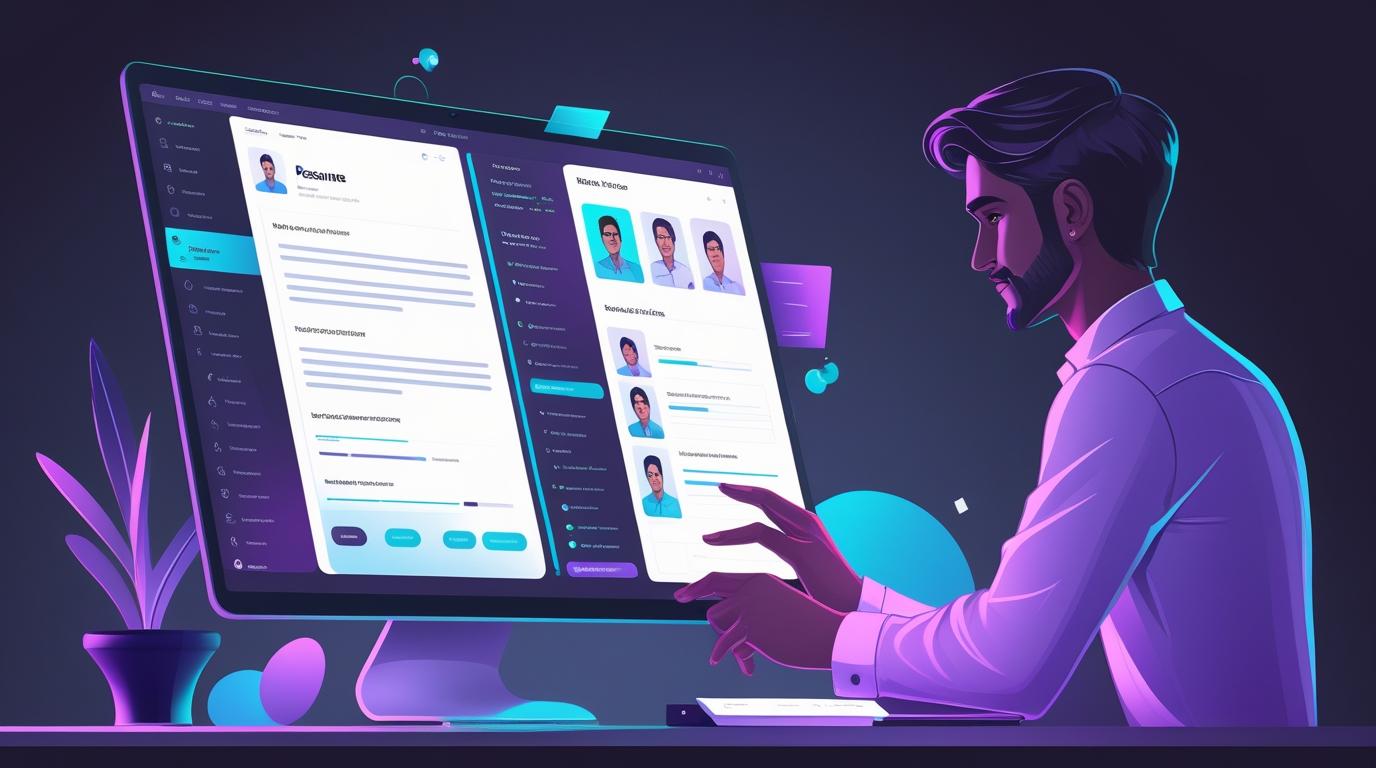
Once you have selected a theme, you will enter the main editor. The editor is split into a guided input form on the left and a live, real-time PDF preview on the right. This dual-pane view ensures you immediately see how your text impacts the overall layout.
Start with your Contact Information. Ensure your email address is professional (e.g., firstname.lastname@email.com) and double-check your phone number. Including a link to your optimized LinkedIn profile is highly recommended in 2026.
Step 3: Crafting a Compelling Professional Summary
The Professional Summary is arguably the most critical section of your resume. It sits at the very top and acts as your elevator pitch. Use the text area to write a concise, powerful paragraph (3-4 sentences) that highlights your most significant achievements, your core competencies, and the unique value you bring to a potential employer.
Pro Tip: Avoid generic phrases like "hardworking professional." Instead, use quantifiable metrics. For example: "Results-driven marketing manager with 6 years of experience scaling e-commerce revenue by 150% through data-driven campaigns."
Step 4: Detailing Your Work Experience
Navigate to the Experience section. Here, you will add your employment history in reverse-chronological order. For each role, provide the company name, your job title, the location, and the dates of employment.
In the description field, use bullet points rather than dense paragraphs. Start each bullet point with a strong action verb (e.g., Orchestrated, Spearheaded, Optimized). Focus heavily on accomplishments rather than just listing your daily duties. If you increased sales, state the percentage. If you managed a budget, state the dollar amount. This level of specificity is what catches the attention of both ATS parsers and human recruiters.
Step 5: Highlighting Education and Skills
The Education section should be straightforward. Include your degree, the institution name, and your graduation year. If you graduated recently (within the last three years) and have a strong GPA, you may include it; otherwise, it is best omitted.
The Skills section is vital for ATS optimization. List both hard skills (e.g., Python, Adobe Premiere, Data Analysis) and highly relevant soft skills (e.g., Cross-functional Leadership, Agile Methodology). Our editor allows you to easily add and reorder these skills to ensure the most critical ones appear first.
Step 6: Review, Refine, and Export
With all your data entered, direct your attention fully to the live PDF preview on the right. Review the document for visual balance. Are the bullet points too long, causing awkward line breaks? Is there too much white space at the bottom of the page?
Because the preview updates instantly, you can tweak your wording in the editor and immediately see the results. Once you are completely satisfied with the content and the layout, click the prominent "Download PDF" button. In seconds, a pristine, watermark-free document will be saved to your device.
Conclusion
Our Free Resume Maker is designed to remove the stress and financial burden from the job application process. By following these steps and leveraging the power of our intuitive editor, you can create a standout resume that significantly boosts your chances of securing your next interview. Start building today, entirely for free, and take the next big step in your career.